AI Note Taker for Lawyers

Every Client Conversation, Remembered.

Every Client Conversation, Remembered.

Every Client Conversation, Remembered.

Stay focused on your client while TwinMind captures key facts, instructions, and important dates. Leave each consultation with a structured draft of your case notes.

Stay focused on your client while TwinMind captures key facts, instructions, and important dates. Leave each consultation with a structured draft of your case notes.

A formal lawyer interviewing a witness during case preparation
Witness · 10:18“The revised agreement was signed after the inspection, not before it.”
9:41▮▮ ᴡɪ-fi ▰
‹
Witness InterviewRivera matter · 52 min
Capturing
10:18 · WitnessThe revised agreement was signed after the inspection, not before it.
10:19 · CounselI’ll flag that in the chronology and link it to Exhibit 12.
⌕When did the witness say the revised agreement was signed?
✦ TwinMind found it

The witness said the revised agreement was signed after the inspection—not before it.

Timeline conflict · 10:18Statement linked to Exhibit 12. Chronology update ready.
Source attachedWitness interview · exact testimony preserved
A formal lawyer interviewing a witness during case preparation
Witness · 10:18“The revised agreement was signed after the inspection, not before it.”
9:41▮▮ ᴡɪ-fi ▰
‹
Witness InterviewRivera matter · 52 min
Capturing
10:18 · WitnessThe revised agreement was signed after the inspection, not before it.
10:19 · CounselI’ll flag that in the chronology and link it to Exhibit 12.
⌕When did the witness say the revised agreement was signed?
✦ TwinMind found it

The witness said the revised agreement was signed after the inspection—not before it.

Timeline conflict · 10:18Statement linked to Exhibit 12. Chronology update ready.
Source attachedWitness interview · exact testimony preserved

Your Attention Belongs With Your Client, Not Your Notes.

Your Attention Belongs With Your Client, Not Your Notes.

Your Attention Belongs With Your Client, Not Your Notes.

Without TwinMind

Writing while listening, reviewing scattered notes, and trying to remember details from earlier conversations.

A lawyer trying to organize scattered notes at his deskWriting while the client talksImportant details get missedRebuilding notes across tools

With TwinMind

Rivera Matter: Client Consultation and Case Follow-Up

Oct 12, 10:24 AMTranscriptNotes

During your consultation about the Rivera matter, you discussed the revised agreement, witness statements, and upcoming case deadlines. You reviewed the sequence of events and identified follow-up actions for case preparation.

Key Facts Discussed

  • The witness told you the revised agreement was signed after the inspection, not before it.
  • You discussed Exhibit 12 in connection with the agreement and case chronology.
  • The client confirmed that the revised deadline had been discussed during Friday's meeting.

Case Discussion

  • You reviewed the witness's account of when the agreement was signed.
  • You identified the need to check that sequence against your existing case timeline.

Follow-Up Actions

  • You agreed to update the case chronology using the witness's statement.
  • You planned to review Exhibit 12 against the revised agreement.
  • You agreed to follow up on the revised deadline.

Built Around How Lawyers Actually Work.

Built Around How Lawyers Actually Work.

Built Around How Lawyers Actually Work.

From client intake to case preparation, this legal AI note taker helps attorneys turn important conversations into structured notes and matter summaries.

From client intake to case preparation, this legal AI note taker helps attorneys turn important conversations into structured notes and matter summaries.

Client consultations
CLIENT MATTERToday · 10:18
Capturing
Rivera matter

Client consultation

Key facts, instructions and next steps, organized while the conversation is still fresh.

Leave consultations with usable case notes

Client instructions, key facts, names, dates and legal issues are organized while the conversation is still fresh.

Depositions and hearings
DEPOSITION · LIVE 24:10
COUNSEL23:58
WITNESS24:10
source
COUNSEL23:58
WITNESS24:42
What did the witness say after the inspection?

The witness stated that after the inspection, they notified the property manager about the water damage and recommended immediate repairs.

WITNESS · 24:10 – 24:32

Review depositions and witness interviews

Return to the relevant statement using speaker-labeled transcripts, source timestamps and the surrounding context.

Case notes
MATTER NOTE READYRivera matter

Client consultation summary

Key facts6 captured
Decisions2 recorded
Next steps3 assigned

Turn conversations into matter work

Generate structured matter summaries covering key discussion points, decisions, and relevant details.

Matter follow-ups
Next steps
Send revised termsDone
Call client before FridayBefore Friday
Prepare hearing chronologyOct 21

Keep deadlines and commitments moving

Find filing dates, document requests, and client commitments mentioned during conversations.

Capture Legal Conversations Across Devices

Capture Legal Conversations Across Devices

Capture Legal Conversations Across Devices

Use TwinMind across iOS, Android, Mac, Windows and Apple Watch.

Use TwinMind across iOS, Android, Mac, Windows and Apple Watch.

Mac & Windows

Capture virtual consultations, case conferences and matter-team meetings without adding a meeting bot to the call.
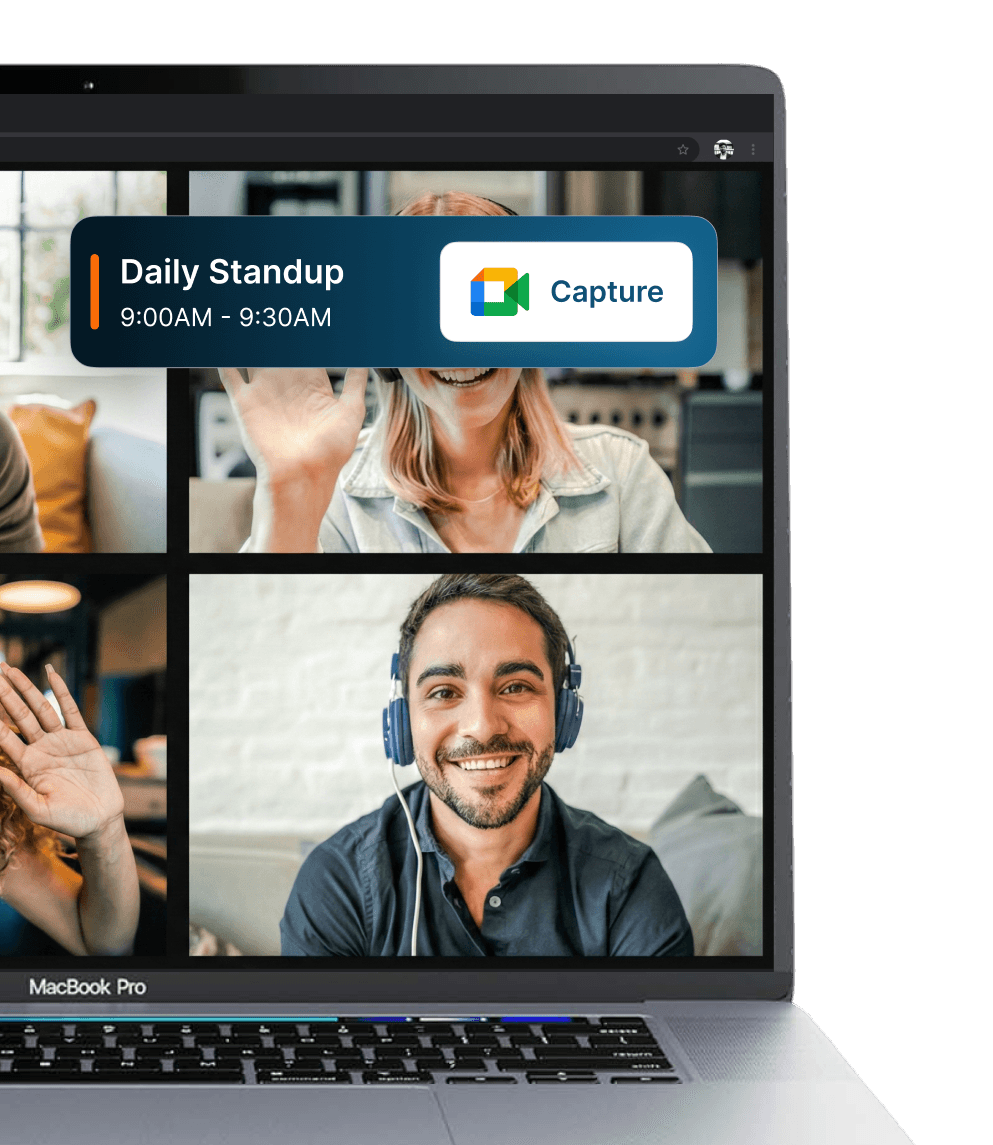
Mac & Windows showing TwinMind

Apple Watch

Start capturing from your wrist without interrupting a client consultation or witness interview.
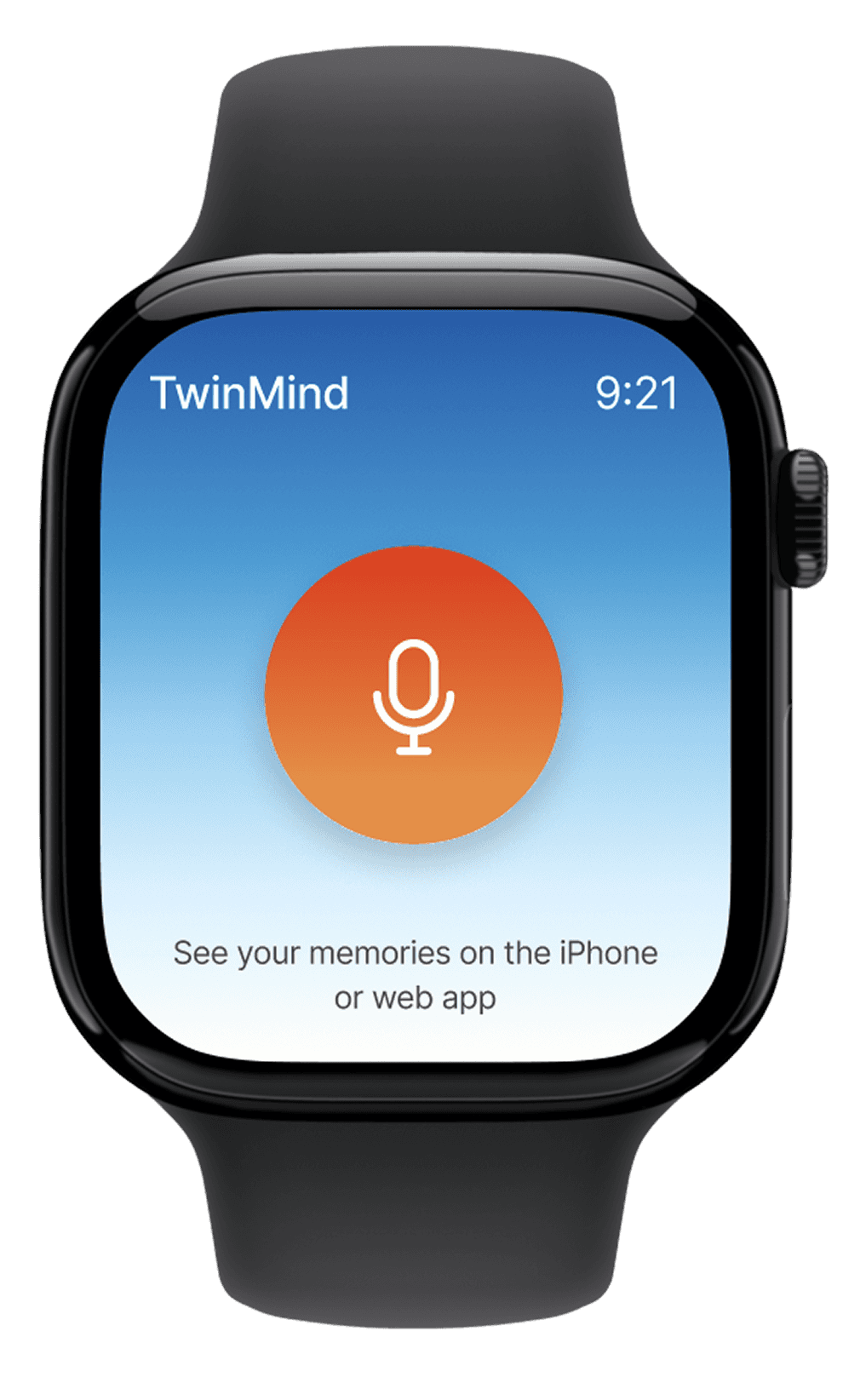
Apple Watch showing TwinMind

iPhone & Android

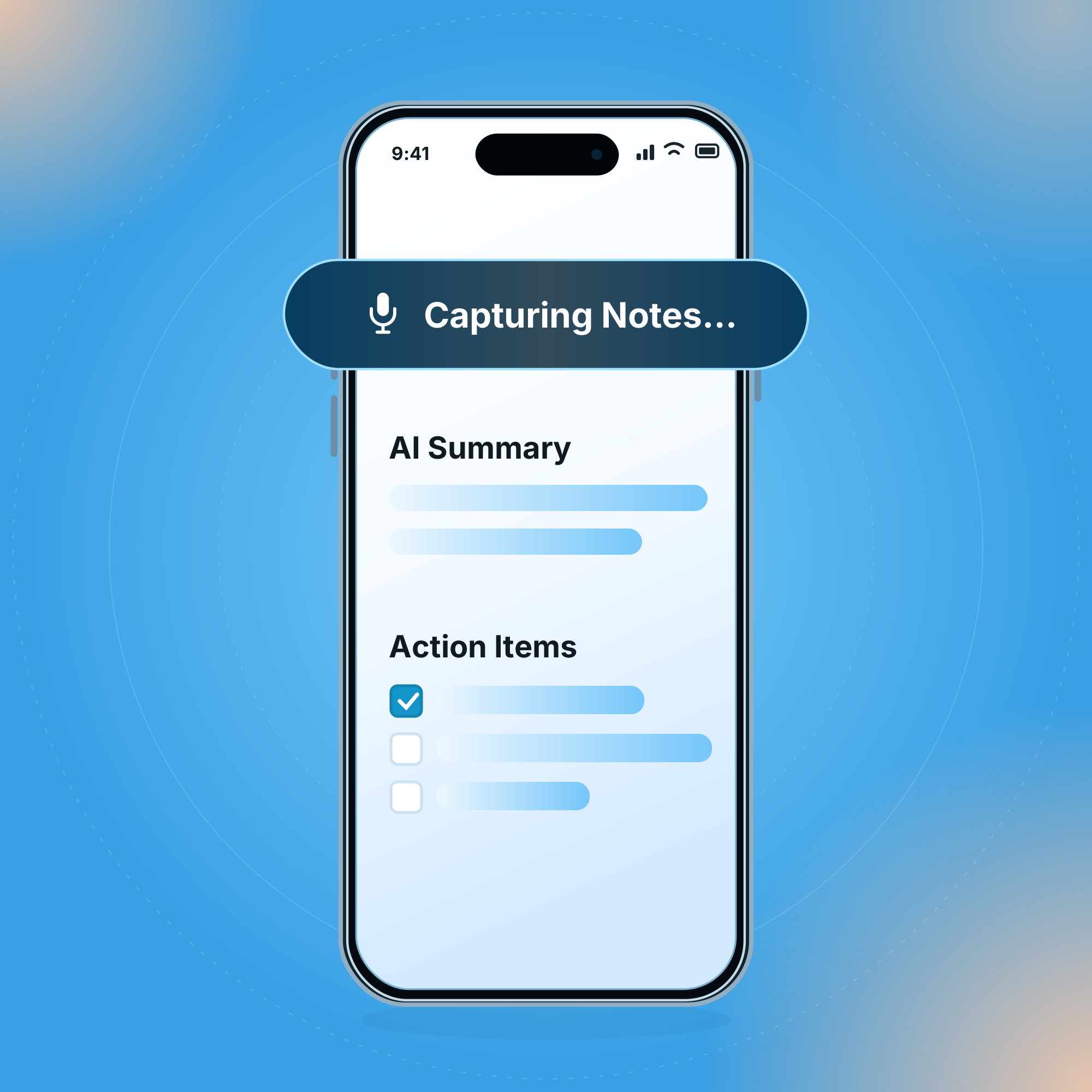
Capture in-person consultations, then review transcripts, case-note drafts and action items from anywhere.
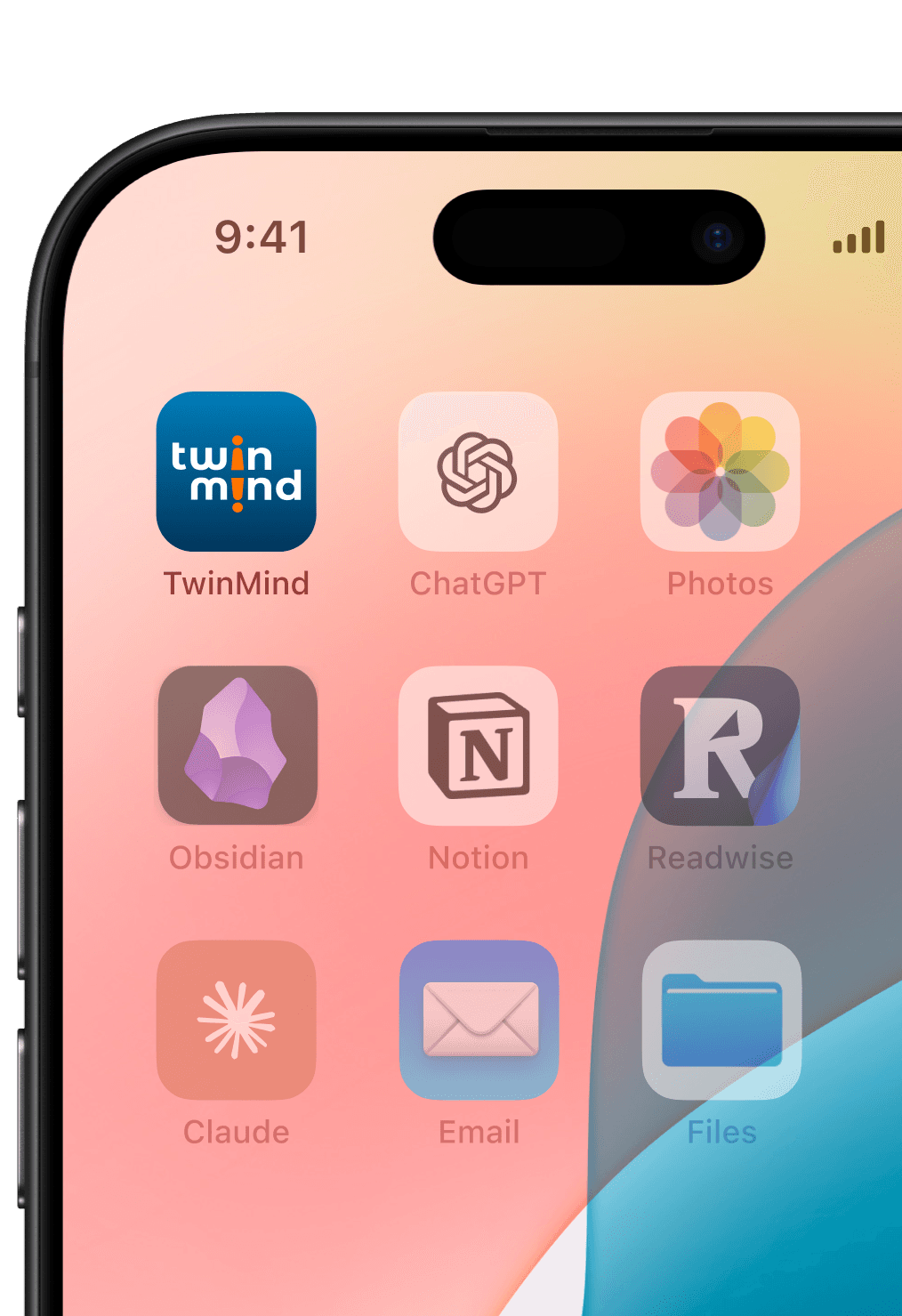
iPhone & Android showing TwinMind

FROM CONVERSATION TO MATTER NOTE

From Client Conversation to Matter Note in Four Steps.

From Client Conversation to Matter Note in Four Steps.

From Client Conversation to Matter Note in Four Steps.

Capture

Capture

Capture a client consultation, witness interview, deposition or case conference.
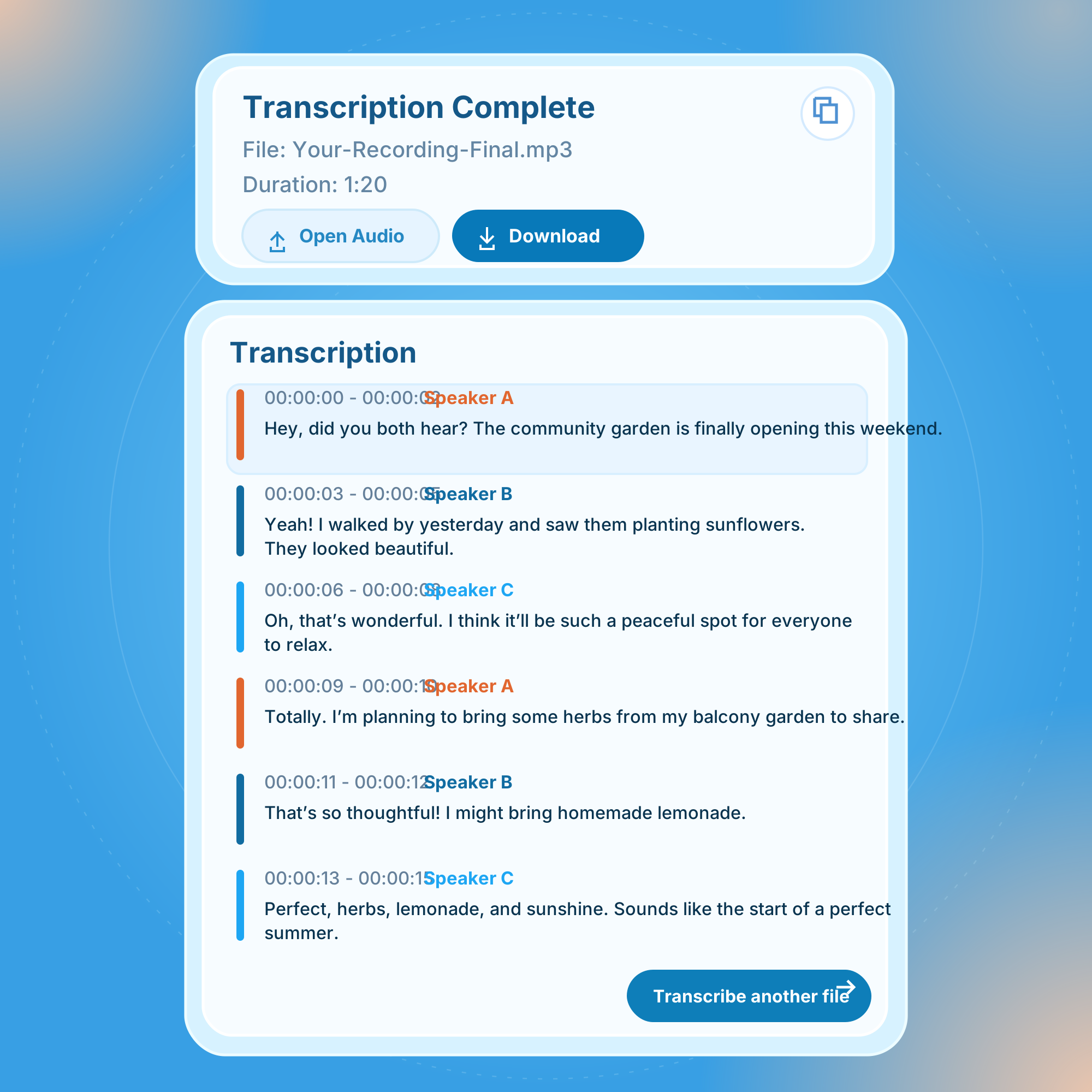
Transcribe

Transcribe

Max

Receive a speaker-labeled transcript with key statements and source timestamps.

Create

Create

Turn the conversation into draft case notes, matter summary or client follow-up.

Ask

Ask

Find a client instruction, statement, deadline or decision across previous conversations.
Find What Was Actually Said.

Find What Was Actually Said.

Find What Was Actually Said.

Instead of searching through handwritten notes, emails and separate transcripts, ask TwinMind about conversations connected to the matter.

Instead of searching through handwritten notes, emails and separate transcripts, ask TwinMind about conversations connected to the matter.

Why Lawyers Choose TwinMind

Why Lawyers Choose TwinMind

Why Lawyers Choose TwinMind

Decorative background pattern
iPhone capturing meetings and conversations all day

Capture all day

Capture all day

Capture consultations, interviews and matter discussions for over 16 hours without draining your phone battery.

Decorative background pattern
hello!
नमस्ते
salaam!
hello!
hello!
こんにちは
hola!
hej!
bonjour!
olá!
aluu!
こんにちは
ciao!
hej!
hola!

140+ Languages

140+ Languages

Support multilingual clients with automatic language detection and real-time translation across 140+ languages.

Decorative background pattern
Blue shield with a fingerprint representing privacy

Private by design

Private by design

Choose which legal conversations to capture. Audio is deleted after transcription by default.

Compare

Meeting-bot tools

Legal-only tools

TwinMind

Extra participant on your call

Often yes

Varies

No bot joins

In-person meetings and calls

Mostly online meetings

Supported by some

In-person and online

Languages

Varies

Often English-first

140+

Cost to start

Free tiers with limits

Trial, then paid

Free transcription

Memory across matters

Per meeting

Per matter

One second brain for everything

What is an hour of typing worth?

Client conversations per week0
Admin minutes saved per conversation0 min
Annual time back
0
hours back per year

Based on 20 conversations a week and 10 admin minutes saved each time.

Confidentiality comes first

Confidentiality comes first

Confidentiality comes first

You choose what to capture, what to keep and how TwinMind remembers it.

You choose what to capture, what to keep and how TwinMind remembers it.

You stay in control

You stay in control

Your recordings are yours

Your recordings are yours

Keep control of what is captured and delete it whenever you choose.

You decide when to capture

You decide when to capture

Capture only the conversations that belong in the file.

Capture only what belongs in the file

Capture only what belongs in the file

Capture only what belongs in the file

Delete recordings whenever you choose

Delete recordings whenever you choose

Delete recordings whenever you choose

SOC 2 Type II badge

SOC 2 Type II

SOC 2 Type II

Google CASA Tier 2 badge

Google CASA Tier 2

Google CASA Tier 2

Start free. Upgrade when you need more.

Start free. Upgrade when you need more.

Start free. Upgrade when you need more.

Free

$0

Start capturing for free

Unlimited summaries

Daily digests & recaps

Capture unlimited hours

Chat with no memory limits

Chat with no memory limits

Pro

Most popular

mo

$11.99/

Everything in Free, plus:

ChatGPT, Gemini & Claude

Access to latest AI models

Phone call recording

Upload & transcribe audio

Max

40% off

$29.99/

mo

Everything in Pro, plus:

5x limits on all features

Auto-tag & draft emails

GPT 6 Astra, GPT 6.1 Sol and Opus 5.5

Extended thinking AI models

Integrate any app with MCP

Priority support & beta features

Speaker separation

Free

$0

Start capturing for free

Unlimited summaries

Daily digests & recaps

Capture unlimited hours

Chat with no memory limits

Chat with no memory limits

Pro

Most popular

mo

$11.99/

Everything in Free, plus:

ChatGPT, Gemini & Claude

Access to latest AI models

Phone call recording

Upload & transcribe audio

Max

40% off

$29.99/

mo

Everything in Pro, plus:

5x limits on all features

Auto-tag & draft emails

GPT 6 Astra, GPT 6.1 Sol and Opus 5.5

Extended thinking AI models

Integrate any app with MCP

Priority support & beta features

Speaker separation

Free

$0

Start capturing for free

Unlimited summaries

Daily digests & recaps

Capture unlimited hours

Chat with no memory limits

Chat with no memory limits

Pro

Most popular

mo

$11.99/

Everything in Free, plus:

ChatGPT, Gemini & Claude

Access to latest AI models

Phone call recording

Upload & transcribe audio

Max

40% off

$29.99/

mo

Everything in Pro, plus:

5x limits on all features

Auto-tag & draft emails

GPT 6 Astra, GPT 6.1 Sol and Opus 5.5

Extended thinking AI models

Integrate any app with MCP

Priority support & beta features

Speaker separation

What TwinMind customers say

What TwinMind customers say

What TwinMind customers say

Questions Lawyers Ask

Questions Lawyers Ask

Questions Lawyers Ask

Can lawyers use TwinMind for client consultations?
Can TwinMind prepare case notes?
Can TwinMind be used as an AI note taker for depositions?
Does TwinMind support legal terminology and different accents?
Can an AI note taker affect attorney-client privilege?
Can law firms use TwinMind for sensitive conversations?
What should lawyers look for in an AI note taker?

Give Your Next Client Your Full Attention.

Give Your Next Client Your Full Attention.

Give Your Next Client Your Full Attention.

Capture the consultation with TwinMind. Return to the client’s instructions, key facts, deadlines and agreed next steps when you need them.

Capture the consultation with TwinMind. Return to the client’s instructions, key facts, deadlines and agreed next steps when you need them.