Automate Email Drafts
Save 1 Hour Daily
Automate Email Drafts
Save 1 Hour Daily
Automate Email Drafts
Save 1 Hour Daily
Your AI Twin That Writes Replies Based on Meeting Notes & Past Emails
Your AI Twin That Writes Replies Based on Meeting Notes & Past Emails
Your AI Twin That Writes Replies Based on Meeting Notes & Past Emails
Automate Email Drafts
Save 1 Hour Daily
Your AI Twin That Writes Replies Based on Meeting Notes & Past Emails
Every Email Prioritized for You
Every Email Prioritized for You

Every Email Prioritized for You
Draft Replies Based on Your Memories
Draft Replies Based on Your Memories

Draft Replies Based on Your Memories
Augmenting 500,000+ human minds at
Augmenting 500,000+ human minds at
Augmenting 500,000+ human minds at









Set Up in 3 Minutes, Save 7 Hours Per Week
Set Up in 3 Minutes, Save 7 Hours Per Week
Set Up in 3 Minutes, Save 7 Hours Per Week
Get Started with TwinMind Email in 3 Steps
Get Started with TwinMind Email in 3 Steps
Get Started with TwinMind Email in 3 Steps

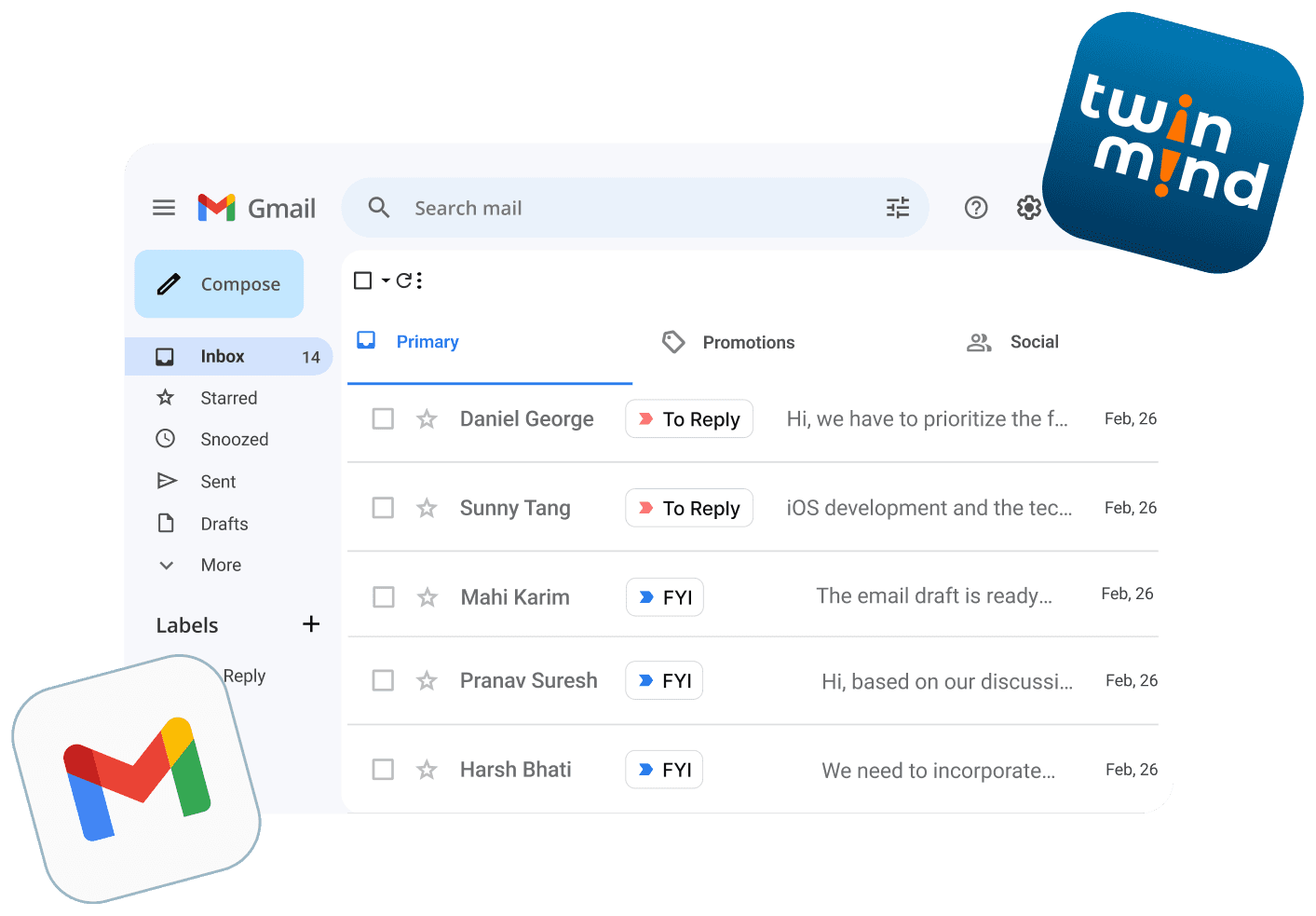
Step 1
Connect Your Gmail
Connect Your Gmail
Set up in minutes. Save hours every week
Step 1
Connect Your Gmail
Set up in minutes. Save hours every week
Step 2
Your Inbox Organized for You
Your Inbox Organized for You
All your emails are tagged automatically, the instant they arrive.
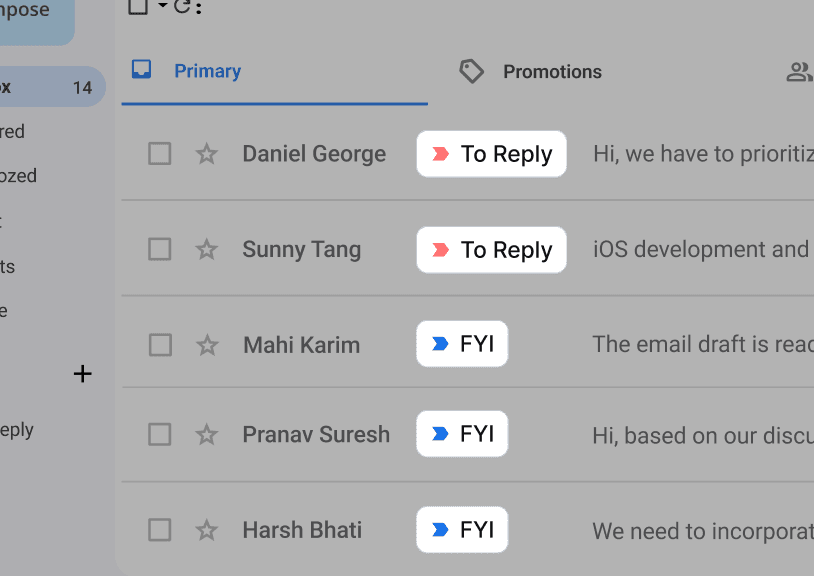
Step 2
Your Inbox Organized for You
All your emails are tagged automatically, the instant they arrive.
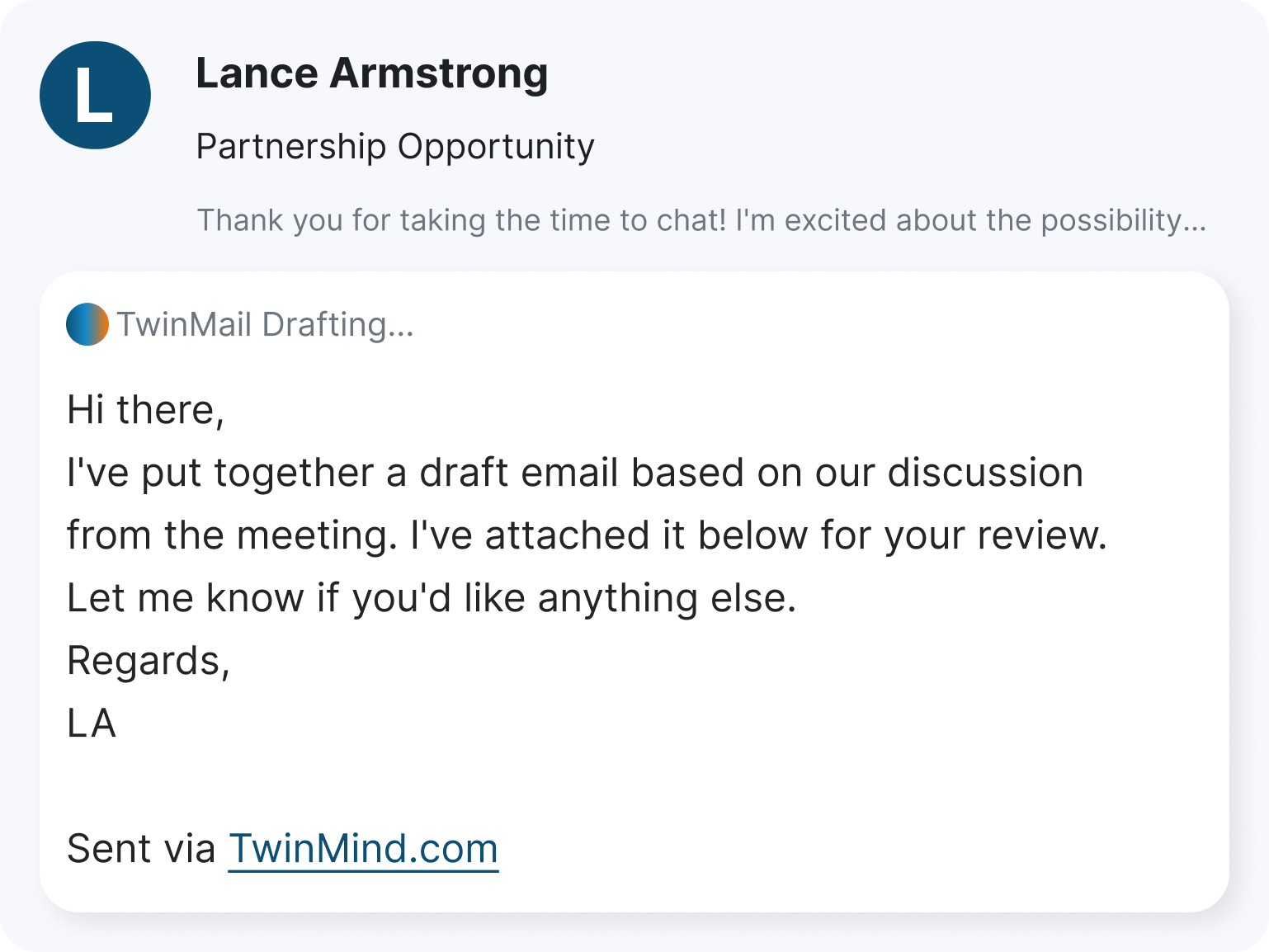
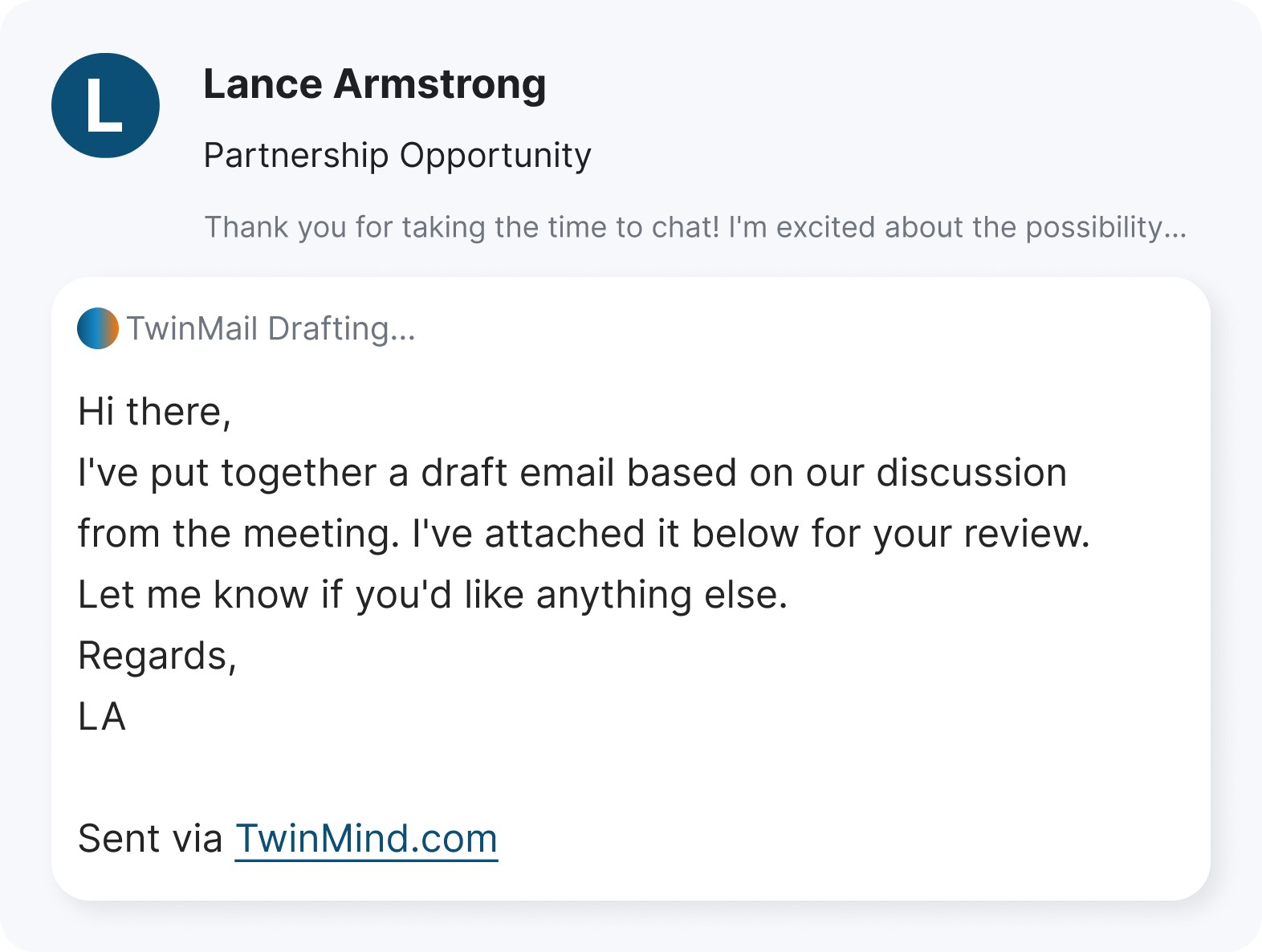
Step 3
Replies Drafted Based on Your Memories
Replies Drafted Based on Your Memories
Replies Drafted Based on Your Memories
TwinMind learns how you think & write based on past emails & conversations captured by the mobile app
TwinMind learns how you think & write based on past emails & conversations captured by the mobile app
How TwinMind Email Assistant Works
How TwinMind Email Assistant Works
How TwinMind Email Assistant Works
Watch how TwinMind Email Assistant can save you 1 hour every day
Watch how TwinMind Email Assistant sorts your inbox and drafts replies from your meeting memories.
Subscribe to TwinMind MAX
Subscribe to TwinMind MAX
Subscribe to TwinMind MAX
Limited time offer – 40% off on annual plan
Limited time offer – 40% off on the yearly plan
Max
40% off
$29.99/
mo, billed annually
Everything in Pro, plus:
5x limits on all features
Auto-tag & draft emails
GPT 6 Astra, GPT 6.1 Sol and Opus 5.5
Extended thinking AI models
Unlimited MCP access
Priority support & beta features
Speaker separation
Max
40% off
$29.99/
mo, billed annually
Everything in Pro, plus:
5x limits on all features
Auto-tag & draft emails
GPT 6 Astra, GPT 6.1 Sol and Opus 5.5
Extended thinking AI models
Unlimited MCP access
Priority support & beta features
Speaker separation
Max
40% off
$29.99/
mo, billed annually
Everything in Pro, plus:
5x limits on all features
Auto-tag & draft emails
GPT 6 Astra, GPT 6.1 Sol and Opus 5.5
Extended thinking AI models
Unlimited MCP access
Priority support & beta features
Speaker separation
Get Started With Confidence
Get Started With Confidence
Get Started With Confidence
What is TwinMind's email feature for?
TwinMind helps you draft replies faster by understanding your context, past conversations, and writing style, so you can respond clearly without starting from scratch.
How does TwinMind learn my email style?
TwinMind looks at your past emails to learn your writing style, tone, and common phrases. It also uses context from the meetings, notes, and conversations you capture with TwinMind. As you review and edit drafts, it keeps adapting, so replies sound more like you over time.
How long does it take to set up?
Just a few minutes. Connect your email, allow access, and TwinMind starts preparing drafts almost immediately.
Is my email data safe?
Yes. Your data is secure and private. TwinMind never sends emails on your behalf, drafts are created only for your review and sent only when you click send.
Do I need any technical skills to use it?
Not at all. If you can read and send emails, you can use TwinMind. Everything is designed to feel simple and intuitive
Can TwinMind integrate with my existing tools?
Yes, TwinMind works seamlessly with Gmail and continues to expand integrations so it fits naturally into your workflow.
How can I make my drafts even better?
Download the TwinMind mobile app or Chrome extension. By capturing meetings, calls, and conversations, TwinMind builds stronger context and memories—resulting in smarter, more accurate, and more natural email drafts.
What kind of support do you offer?
You’ll get direct access to our co-founders, the people who built TwinMind, so your questions, feedback, and ideas are heard first-hand